

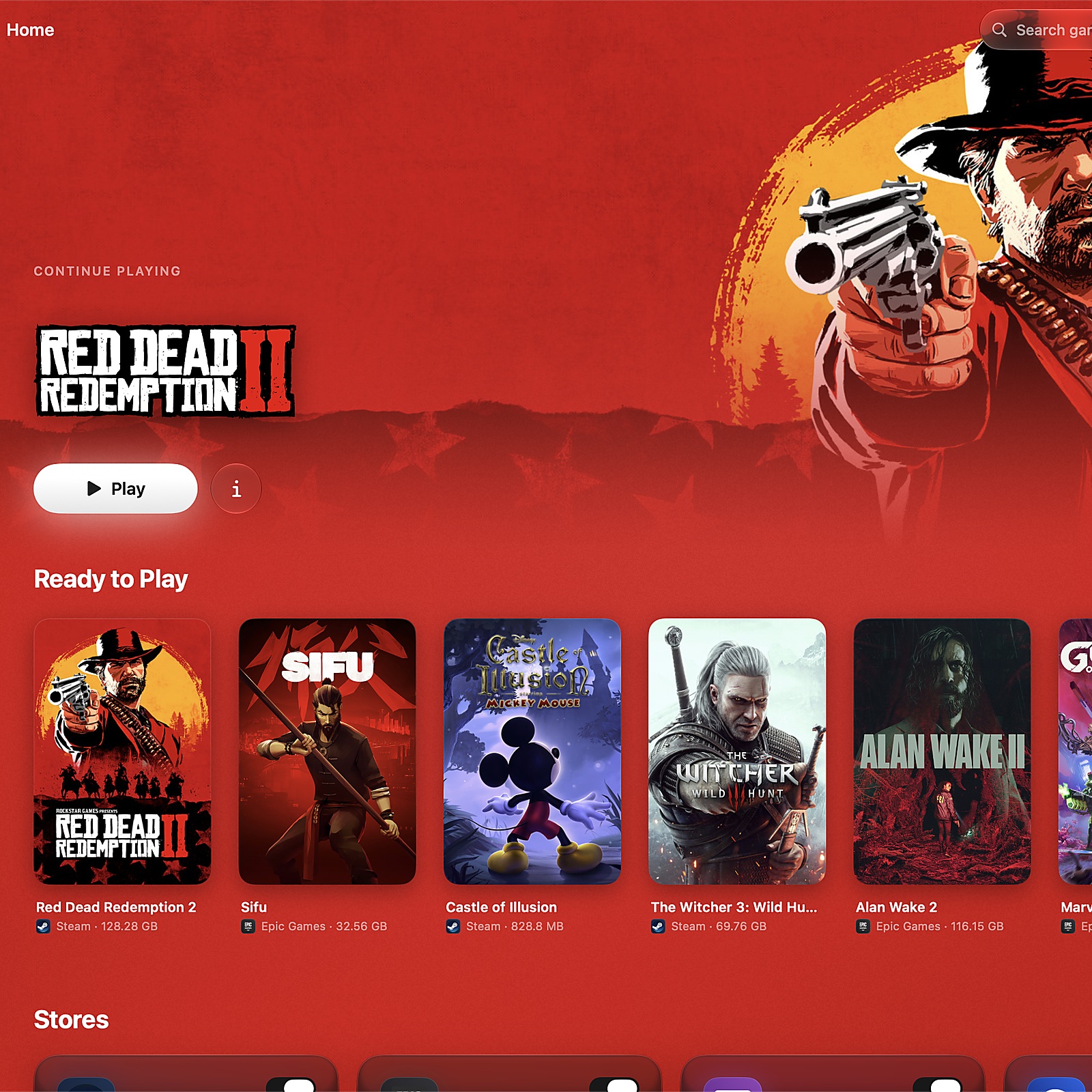
MaPC Makes Windows Games Easier to Set Up on a Mac
MaPC simplifies Windows game setup on Apple Silicon Macs, but its public beta still has important compatibility limits.
MaPC is an app from the team behind Abduzeedo for playing Windows games on Apple Silicon Macs. Running these games often means using commands and changing technical settings. The team built MaPC to handle that work for the player. You connect a Steam, Epic Games, or GOG account, install a game, and press Play. You do not need to set up Wine yourself.
The app uses SwiftUI, Apple's tool for building app screens. It does not put a website inside an app window. It follows familiar Mac text styles, keyboard shortcuts, and window behavior. It also supports both light and dark modes for the interface. Game pages use colors from their cover art to create different backgrounds. Players can choose the Magazine layout or the glass Panels layout.
MaPC uses open-source tools called Wine, DXVK, and MoltenVK behind the screens. These help run games that use DirectX 9, 10, and 11. The app sets up these tools automatically instead of asking players to do it. Players can still change graphics and launch settings for individual games. They can also turn on Retina rendering or a performance display.
The app is free, with optional extras available for supporters. These include game save backups to iCloud Drive or another folder. Supporters can also get playtime information, game shortcuts, and a menu bar launcher. These features add convenience, but they are separate from the free app.
MaPC is in public beta, so it is still being tested. It needs an Apple Silicon Mac with macOS 15 or later. Some games use kernel-level anti-cheat, software that works deep inside a system. Games using this software cannot run on macOS through MaPC. Other results also vary by game and Mac, so check the limits before downloading. Steale LLC makes MaPC independently of Apple, Valve, Epic Games, and GOG.
Key expressions
set up
설정하다
The app sets up the required tools for you.
turn on
켜다
You can turn on the performance display.
vary by
~에 따라 다르다
Loading times vary by game.
Generated with AI. AI can make mistakes.