

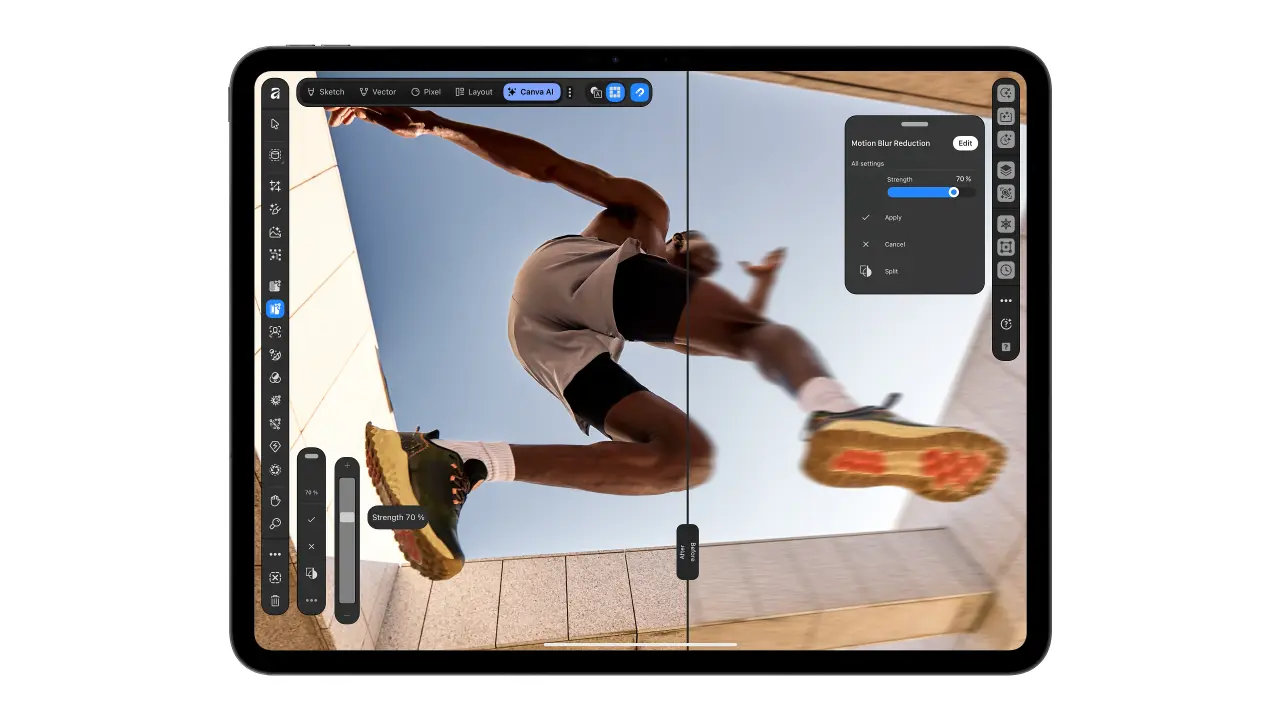
Draw and Finish Your Work in One iPad App
Affinity for iPad lets people draw, edit, and design pages in one file, with free main tools and optional paid AI features.
Canva has launched Affinity for iPad with several tools in one app. People can draw, change photos, and arrange pages in the same place. The main tools are free for each person with a free Canva account. AI features need a Canva Premium account, but people can work without them.
All these kinds of work stay together in one .af file. Users can move between them without sending files to another app. Their drawings also stay in the file so they can keep working. This means they do not need to start their drawings again. The app brings different parts of a project closer together.
The drawing tools respond to how people hold and press Apple Pencil. A tool can turn drawn shapes into clean shapes called vectors. These shapes can change size while keeping their clean edges. Another tool helps people select difficult edges, such as hair and fur. The app was made for touch, not simply reduced from a computer screen.
Users can also make small magazines, photo books, and other page designs. Shared page settings help them keep the design the same across pages. They can prepare the finished file for printing inside the app. Apple Pencil Pro support includes more ways to control the tools.
Optional AI tools can enlarge images or separate them into parts people can change. Canva says these tools handle boring tasks while people keep creative control. The writer welcomes the app but also shares a connection to its launch. The writer was going to host a discussion at the official event.
Key expressions
keep working
계속 작업하다
You can keep working on the same drawing.
start again
다시 시작하다
We do not need to start again in another app.
move between
~사이를 오가다
I move between drawing and photo editing.
Generated with AI. AI can make mistakes.