

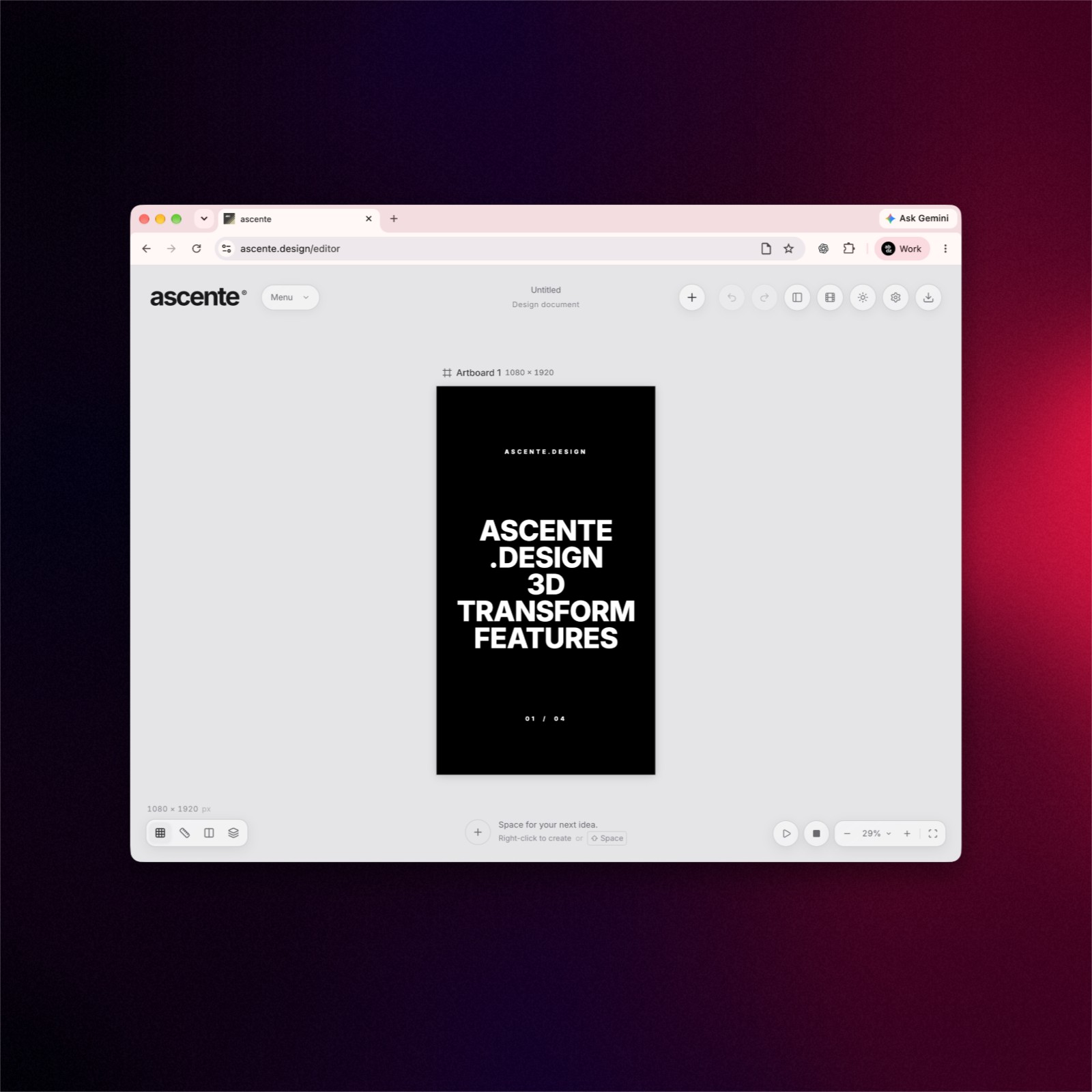
Make Lines of Text Turn Like a Cube
The tutorial makes a repeating video by turning each line of text at a slightly different time.
The tutorial shows how to make a short video with moving text. It uses ascente.design, an editor that works in a web browser. The example is a tall video made for an Instagram Story. Four sets of words appear to sit on the sides of a box. As the box turns, each side comes into view.
The designer starts with four blocks of text of the same size. The blocks sit next to one another in a long strip. A tool called Drum wrap bends the strip around the sides. The first side faces the viewer at the start of the video. A full turn brings that same side back into view at the end.
The designer then builds a separate turning shape for every line. Each line has four versions, one for each side of its shape. The first line begins to turn before the next line does. Each lower line starts a little later than the one above it. This makes the change move down the screen instead of happening all at once.
The video lasts eight seconds and pauses briefly to show each side. The end matches the start, so it can play again without a jump. The editor can save the result as a video for Instagram. The browser tab needs to stay open in front while it saves. The effect comes from putting together simple text and timing changes.
핵심 표현
sit next to
~ 옆에 놓이다
The text sits next to the picture.
come into view
시야에 들어오다
The next page comes into view.
play again
다시 재생하다
The video can play again.
AI를 사용해 생성되었으며, AI는 실수를 할 수 있습니다.