

See Related AI Requests Together
Vercel AI Gateway groups related requests so teams can inspect conversations together.
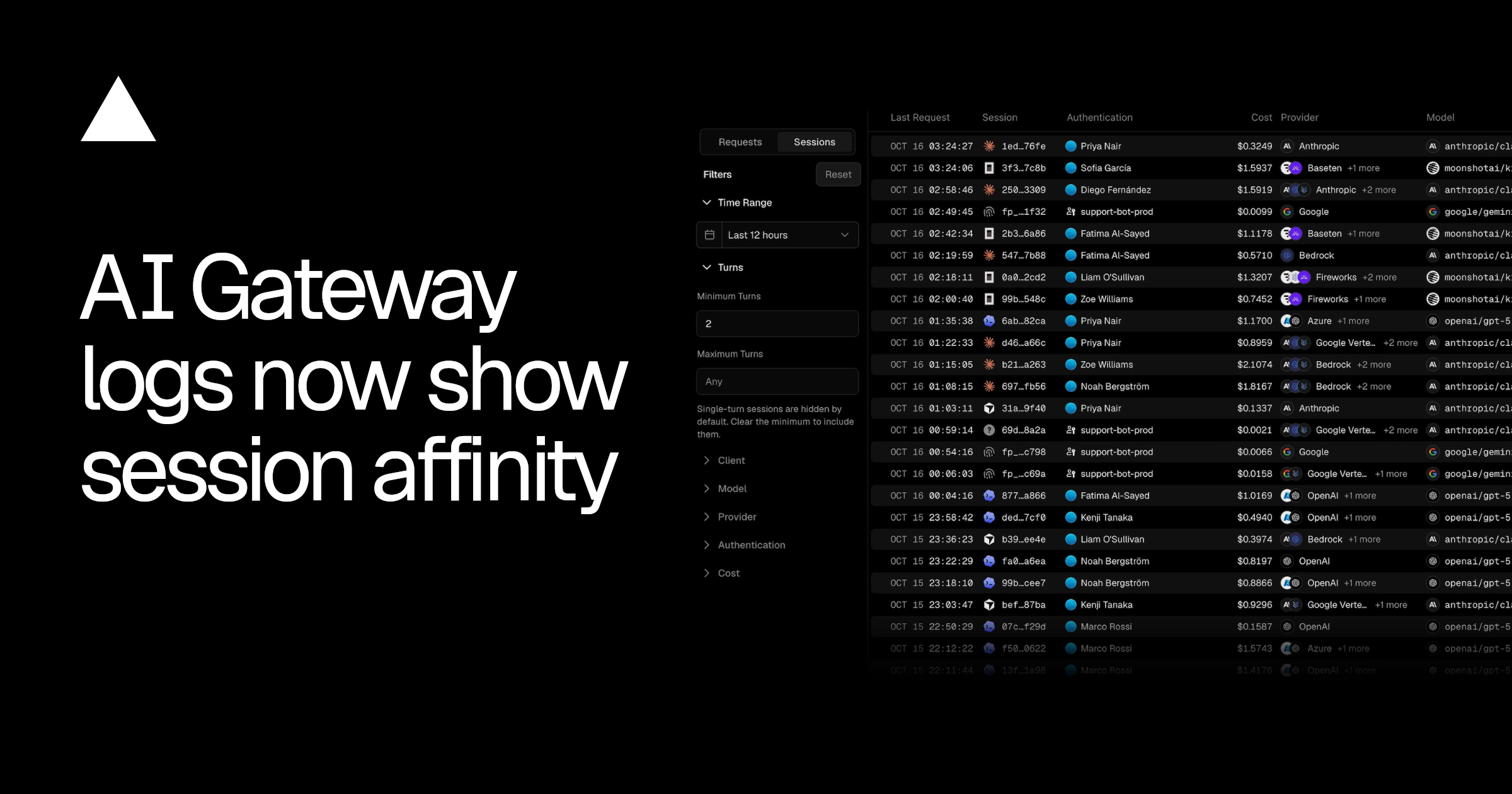
Vercel AI Gateway has a new way to show related requests. It puts them into a session on the new Sessions screen. A session is a group of requests from one conversation. Each row names the app or tool that made those requests. These can include Claude Code, Codex, or Cursor, among other apps. The row also shows the cost of the whole session.
The screen shows how much input came from a cache. A cache is saved information that a service can use again. Open a session to see more details about the conversation. You can check its length and the timing of each turn. You can also see which service handled the requests over time. Earlier services appear too if the conversation moved between them.
AI Gateway tries to keep each turn with the same provider. A provider is the company that runs the AI service. It sends a turn where the previous turn was handled. That company already has much of the earlier input saved. Staying with one company means more input comes from saved information. This way of sending requests is already on for text and chat.
Teams can narrow the list by tool, cost, or other details. Sessions with only one turn do not appear at first. Change the minimum turns filter if you want to see them. Teams can also use the same name for related requests. This tells AI Gateway which requests belong to the same conversation. Without that information, it groups requests using the conversation's opening.
핵심 표현
put into
~에 넣다
Put the related messages into one group.
belong to
~에 속하다
These requests belong to the same conversation.
at first
처음에는
At first, the screen only shows longer conversations.
AI를 사용해 생성되었으며, AI는 실수를 할 수 있습니다.